
How To Use Canva AI To Redesign and Rebrand PLR Products for Your Shop
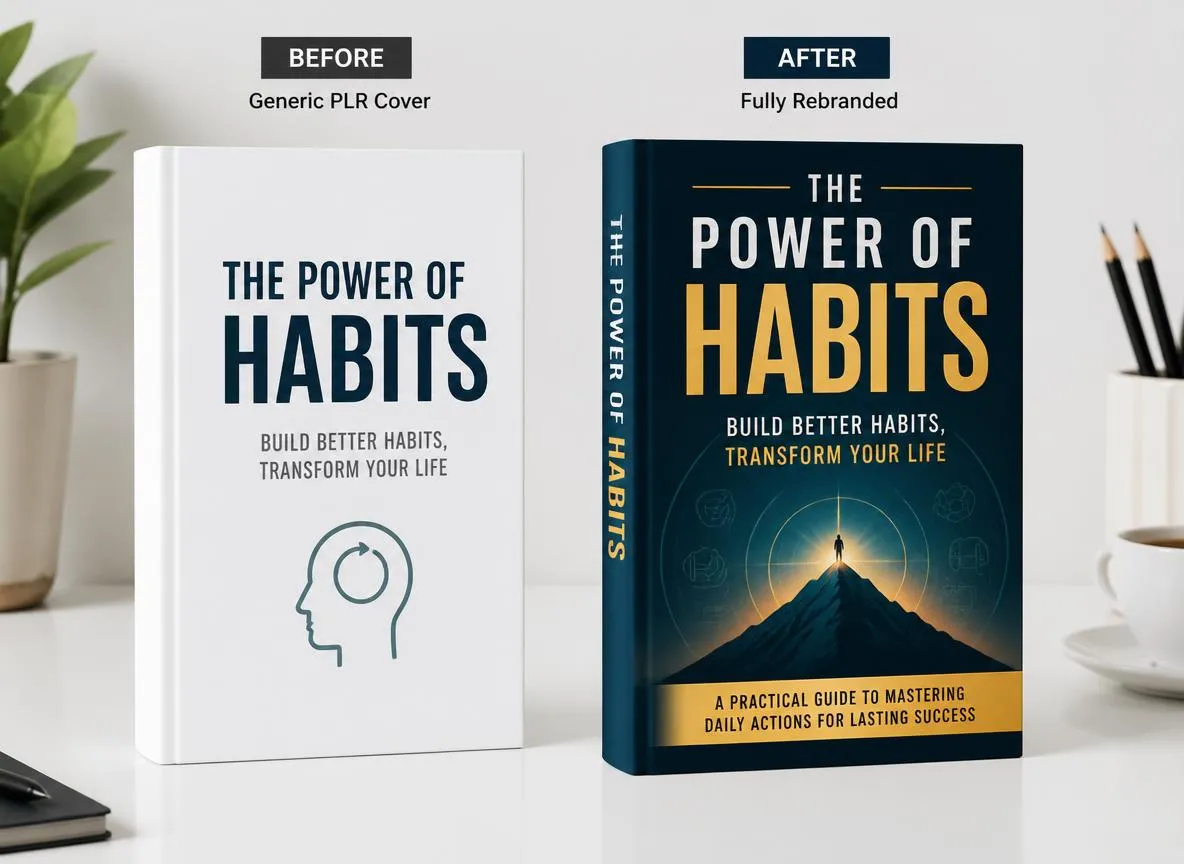
One of the most common reasons PLR sellers fail to stand out is not the quality of the content they purchase. It is the way that content looks. Buyers make purchasing decisions in seconds based on visual presentation — and a generic PLR cover signals immediately that what they are looking at is available from dozens of other sellers.
Canva has always been a powerful tool for non-designers, but in 2026 its AI-powered features have taken PLR rebranding to an entirely new level. You can now redesign and rebrand an entire PLR digital product in the time it used to take to change a font. This guide walks you through exactly how to use Canva AI to transform your PLR products into professional, brand-consistent offerings that command premium prices and build genuine passive income over time.
Why Visual Rebranding Is Non-Negotiable for PLR Sellers
When you publish a PLR product with its original cover design intact, you are competing directly against every other buyer of that same product on pure price. Buyers can find identical products from multiple sellers and the only differentiator is cost. That is a race to the bottom that destroys margins and prevents any meaningful brand building.
When you rebrand a PLR product visually, the competitive dynamic changes completely. Your version looks different, feels different, and exists only in your shop. Buyers cannot comparison shop because your product appears unique. This visual differentiation is what allows PLR sellers to charge significantly more for the same underlying content and what makes customers return to your shop specifically. A strong content marketing strategy paired with a visually distinct product catalog is one of the most powerful combinations in the PLR space.
Canva AI makes this process accessible to anyone regardless of design skill. You do not need to know typography theory, color psychology, or layout principles. You need to know your brand and let Canva AI do the heavy lifting. The combination of your brand identity and Canva's AI design capability produces results that previously required a professional graphic designer.
Set Up Your Brand Kit in Canva Before Anything Else
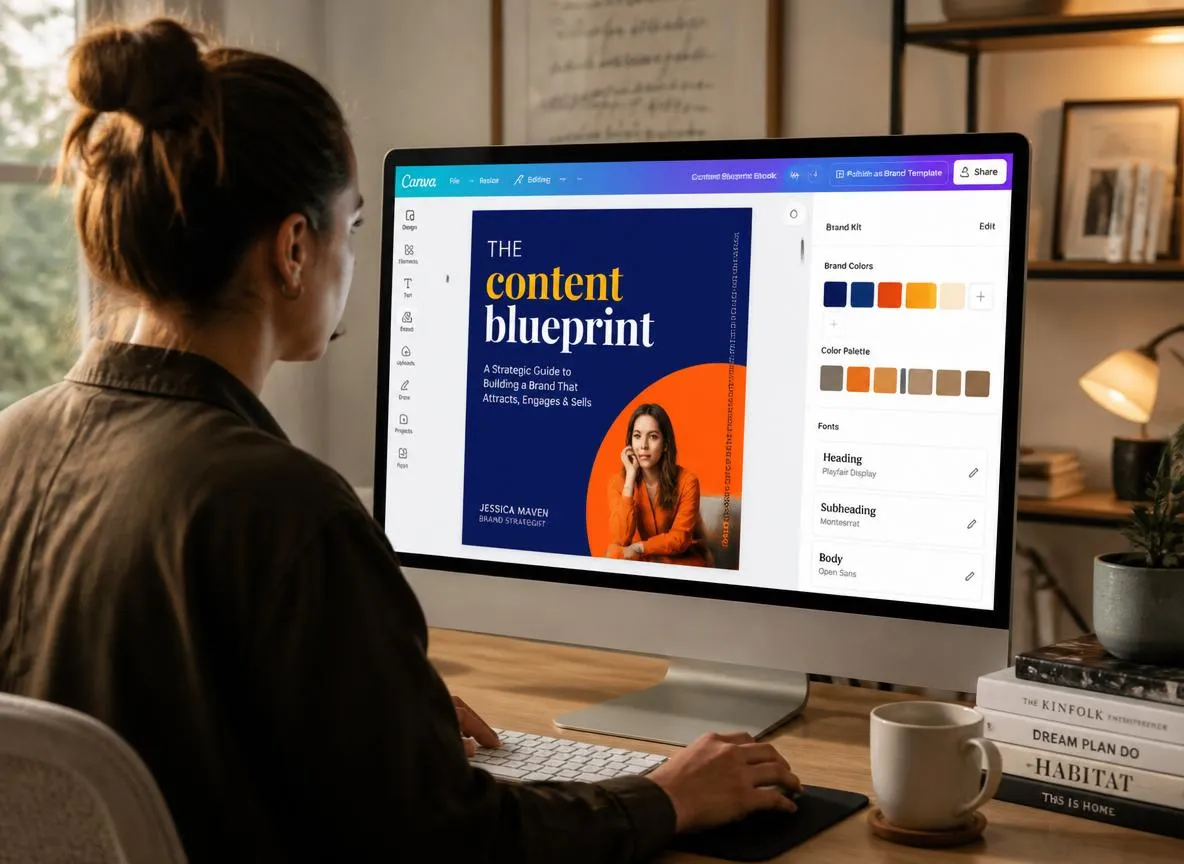
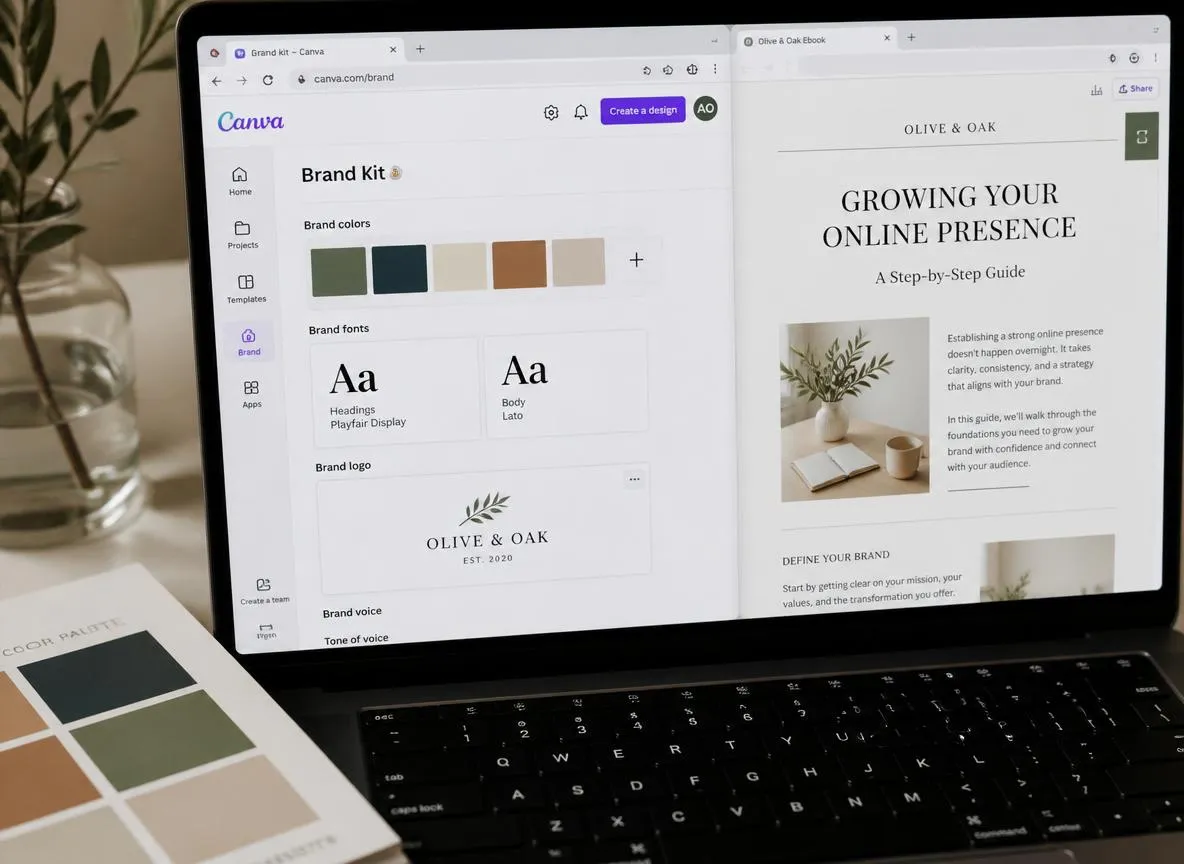
The single most powerful thing you can do before rebranding any PLR product in Canva is set up a Brand Kit. The Brand Kit feature in Canva Pro stores your brand colors, fonts, and logo in one place so they are instantly accessible across every design you create. This is what ensures visual consistency across your entire PLR product line.
Brand Colors
Choose 2–3 colors that reflect your shop personality and upload the hex codes. One click applies them to any design.
Brand Fonts
One bold headline font, one clean body font. Use Canva AI's font pairing suggestions for non-designers.
Logo & Assets
Upload your logo or wordmark to appear consistently in headers, footers, and covers across all products.
Once your Brand Kit is configured, every PLR product you rebrand will automatically feel like it belongs to the same professional product line — creating the brand recognition that turns first-time buyers into repeat customers and grows your email list organically through referrals.
Use Canva AI Magic Design to Rebuild PLR Covers
Canva's Magic Design feature is where the real transformation begins for PLR sellers. Instead of starting with a blank canvas or manually adjusting an existing template, Magic Design generates complete, original design concepts based on a text description you provide. For PLR cover rebranding this is a significant advantage over any traditional design approach.
To use Magic Design for a PLR ebook cover, open a new design at standard ebook dimensions and type a description into the Magic Design prompt that includes your book title, your brand personality, and the visual feeling you want to convey. For example: a bold professional design for a productivity ebook about time management with a deep blue and gold color scheme. Magic Design will generate multiple layout options for you to choose from and refine.
Once you select a design concept, apply your Brand Kit colors and fonts to align it with your existing product line. Use Canva AI's background remover to swap out any images, and use the Magic Edit feature to adjust specific visual elements without rebuilding the entire layout. The result is a completely original cover design that reflects your brand identity and looks nothing like the PLR product's original packaging.
Use Canva AI to Redesign Interior Document Pages
Rebranding just the cover of a PLR product is not enough. Any buyer who opens your product and sees a generic interior layout will immediately recognize it as unmodified PLR content regardless of how good the cover looks. Interior page redesign is what completes the transformation and creates a product that feels premium from cover to final page.
Canva offers extensive document and presentation templates you can use to rebuild the interior pages of PLR ebooks, workbooks, planners, and guides. Import your PLR content text into Canva and apply a custom layout that uses your brand fonts, brand colors as accent elements, and your logo in the header or footer of each page. Canva AI's Magic Write feature can also help you rephrase or expand specific sections of the text directly inside Canva without switching to another tool.
Pay particular attention to section headers, pull quotes, and call-out boxes. These visual elements give a document its personality and they are the elements that most obviously signal whether a document was professionally designed. Using your brand color as the fill for section header backgrounds and your headline font for all major headings creates a cohesive, expert-produced look that stands dramatically apart from the raw PLR design — exactly what a growing PLR business needs to build long-term authority.
Create Brand-Consistent Product Mockups With Canva AI
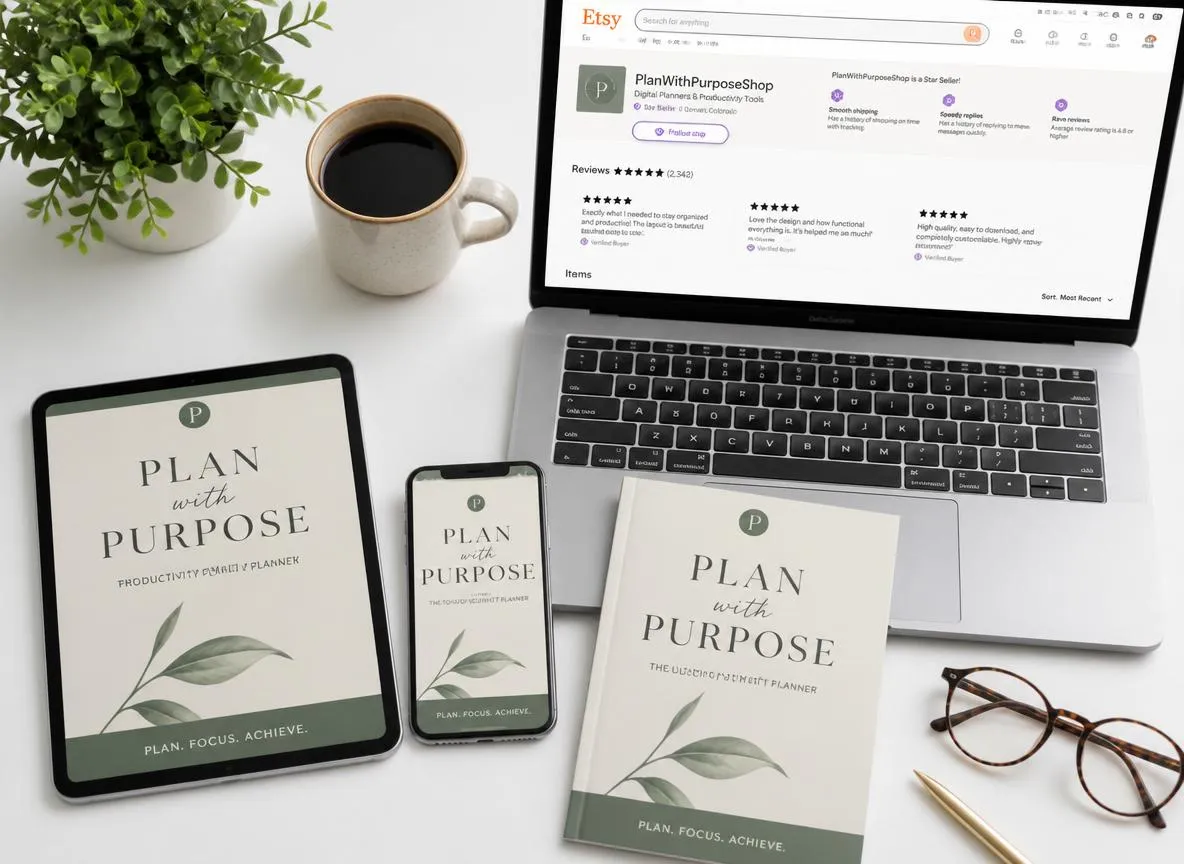
A product mockup is the image that shows your digital product displayed on a device, surface, or in a styled setting. Mockup images are what buyers see on your Etsy or Gumroad listing before they decide to purchase, and they have a disproportionate impact on conversion rates. A professionally styled mockup suggests quality, credibility, and value. A generic one does the opposite.
Canva has a growing library of device and product mockup templates you can customize with your redesigned PLR covers. Upload your rebranded cover to a laptop, tablet, or phone mockup, or place it into a styled flat lay scene that reflects your brand aesthetic. For PLR sellers targeting a professional audience, clean white desk mockups with minimal props work exceptionally well. For wellness and lifestyle PLR, warm textured backgrounds with candles, plants, and natural elements create exactly the right visual context. Use these mockups across your listings, your social media promotions, and your email campaigns for maximum visual consistency.
Canva AI's text-to-image feature is also worth using for custom mockup backgrounds. You can generate a photorealistic background image from a text description that fits your exact brand aesthetic and then layer your product cover onto it. This gives you completely unique mockup images that no other seller is using.
Build a Visual Brand Consistency System Across Your Entire Catalog
The real power of Canva AI for PLR sellers is not in rebranding a single product. It is in creating a visual system that you apply consistently across every product in your catalog so that your entire shop looks like it was built by a single professional brand.
Create a master template in Canva for each product type you sell. One for ebook covers. One for workbook covers. One for checklist designs. One for affiliate marketing promotional graphics. Each template should use your Brand Kit elements and follow a consistent layout structure so that new products can be rebranded quickly by simply swapping in new titles and updated imagery while maintaining the overall visual identity.
This systematic approach to visual branding creates what experienced designers call brand recognition. When a buyer sees your products shared on social media, they recognize the visual style immediately and associate it with the quality experience they had before. That recognition is the foundation of repeat purchases, customer loyalty, and the word-of-mouth recommendations that grow a PLR business beyond individual product sales.
Practical Canva AI Tips for Rebranding PLR Products
- Set up your Canva Brand Kit with colors, fonts, and logo before starting any rebrand project
- Use Magic Design to generate original cover concepts rather than modifying existing templates
- Always redesign interior pages to match your cover so the entire product feels cohesive
- Create mockup images using Canva's mockup templates or AI-generated custom backgrounds
- Build master templates for each product type to speed up future rebranding projects dramatically
- Use Magic Write inside Canva to refine or expand PLR text without switching to another tool
- Save all your rebranded designs in an organized Canva folder structure by product type and niche
- Export ebooks and workbooks as high-resolution PDFs and covers as PNG files for the sharpest quality
- Test different mockup styles to find which visual presentations drive the most clicks in your listings
- Refresh older products in your catalog using your current Brand Kit to maintain visual consistency
Your Brand Starts With One Redesigned Product
Canva AI has removed the technical barrier that once kept non-designers from creating professional quality visual assets. Start with your best-selling product, apply the steps in this guide, and see what happens to your conversion rate when buyers encounter a product that genuinely looks worth buying.
Browse PLR Products to Rebrand →
Leave A Reply